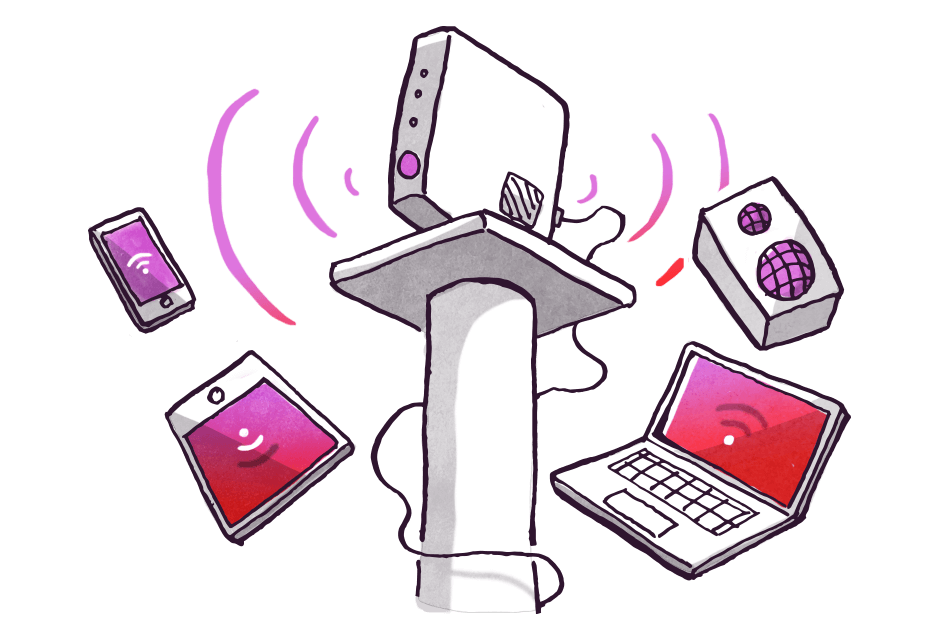


Location: Wireless signal can be affected by walls or other solid objects such as metal objects, furniture or a large mirror for example, so it is best to position your modem within a central location in your home to ensure minimum impact.
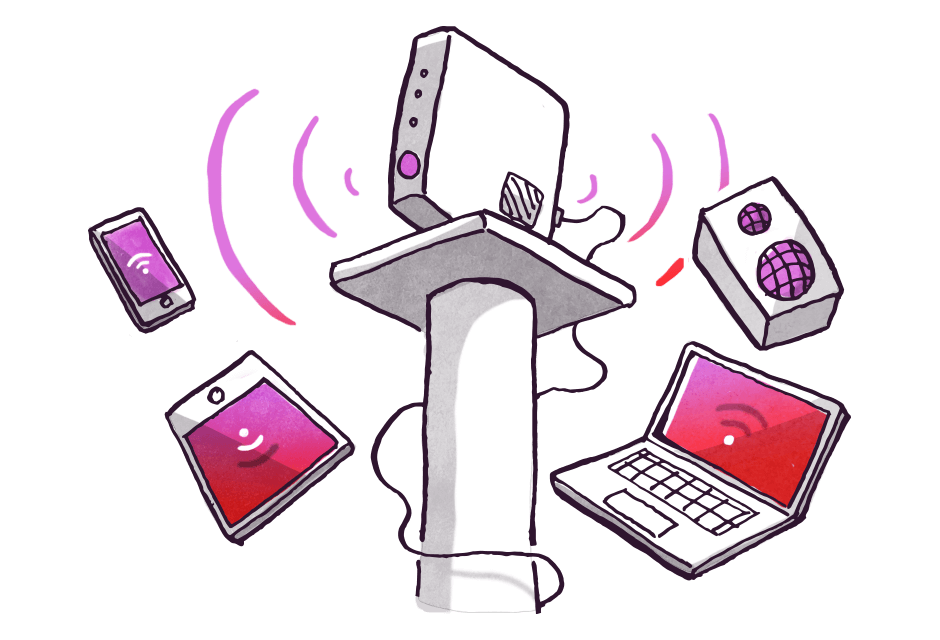
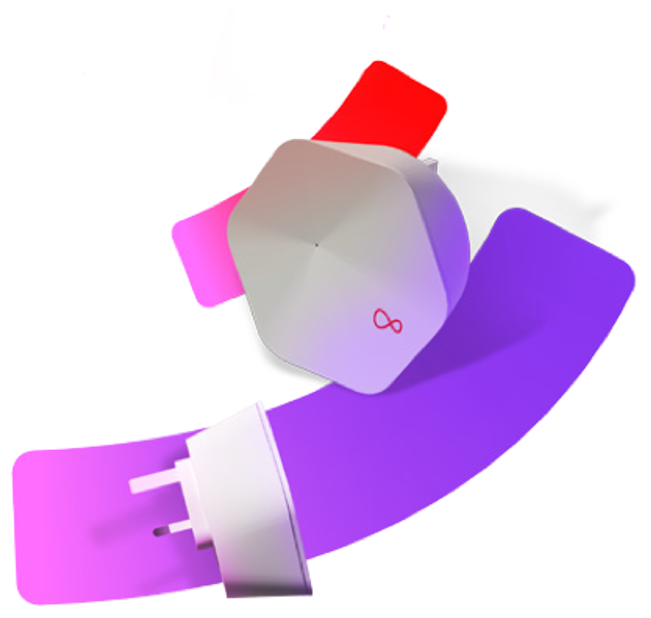
Range: As well as overcoming obstacles that impact your Wi-Fi signal, a Smart Wi-Fi pod can also extend the range of your signal. This is ideal for larger homes as it will help boost the signal far and wide enabling everyone to get online throughout the home. Check out our Wi-Fi Guarantee and Smart Pods here.
Other devices in your home: Other items such as baby monitors, microwave ovens and cordless phones may affect your Wi-Fi as they may work on the same frequency as your wireless modem, this can result in a loss of signal, so try where possible not to have them in close proximity.
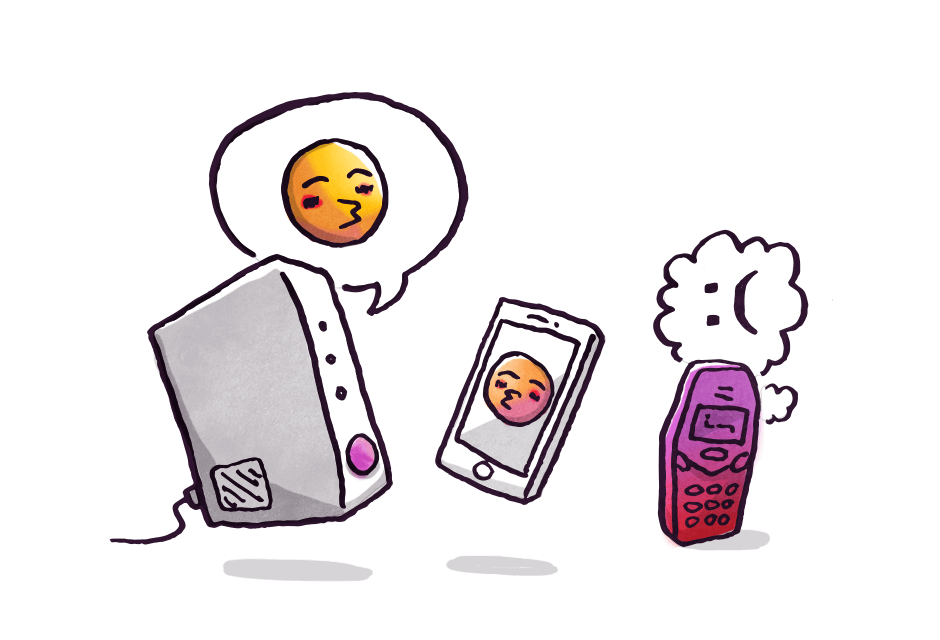
Other devices that use Wi-Fi such as mobiles, consoles etc. May be fighting for the signal, consider turning off anything that isn't being used and downloading lareg files during the night.
Interference from external sources: If you are in an apartment building with lots of wireless modems and lots of devices you may experience some wireless interference. If you reboot your modem it will automatically select the most appropriate channel for you. To do this unplug your modem; leave it for 30 seconds and plug it back in. This allows the modem to select the best Wi-Fi channel for you.
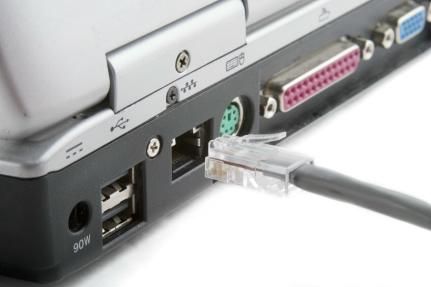
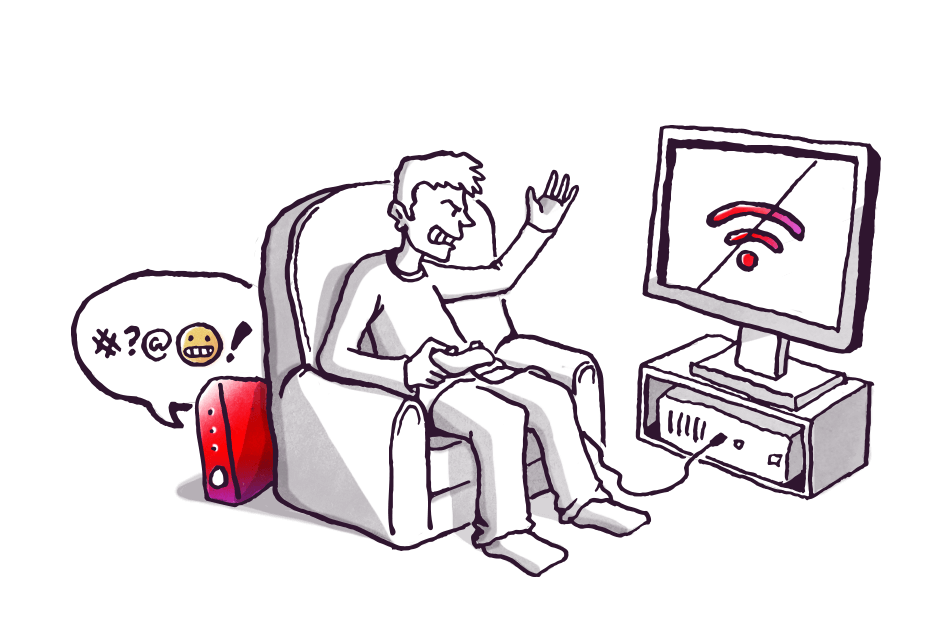
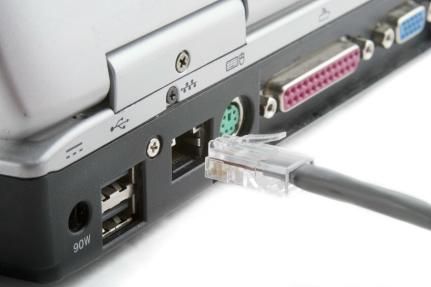
Ethernet Cable: We recommend that you connect using an Ethernet cable rather than your Wi-Fi to get the best results from your broadband.
Wi-Fi Guarantee: While Virgin Media delivers fast and reliable broadband there can be some black spots in the home. With our Wi-Fi Guarantee, you can enjoy complete home coverage with secure Wi-Fi guaranteed using Smart Wi-Fi Pods, powered by advanced Wi-Fi mesh technology.
Find out more in our Wi-Fi section or watch our video on how to get the best Wifi experience from your Virgin Media Hub